
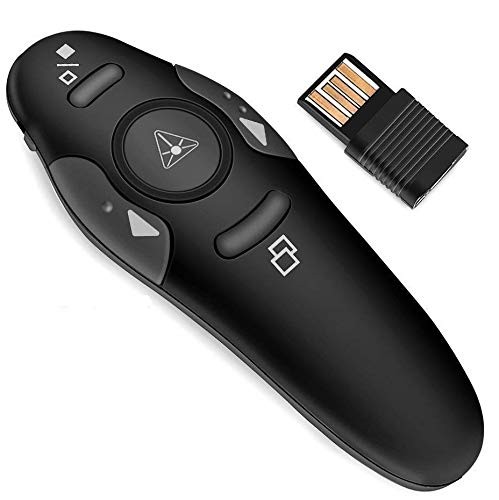

Professional Red Laser USB Wireless Laser Presenter Presentation ppt Pointer Remote Control Slider Changer Controller PPT PowerPoint Presenter

4 orders   Sold By Easy Go
MRP: ₹4,999.00 Save 94%
Price: 
₹310.00
(Exclusive of all taxes)

₹365.80

/ Piece (Inclusive of all taxes)

Replacement

7 Days

Processing

12 days

Shipping

4 days

Seller

Karnataka

Warranty

6 Months

Quantity
(Stock  10  pieces)
Shipping
Free Shipping
COD Not Available
Action
Promotions
✂️ Get Seller Coupons 🎁
5%
NEW USER
5% OFF ON YOUR PURCHASE
Valid on orders over ₹0
Redeem before 13/11/2030, 11:56:00 am
Use Code: NEWUSER
  Sold By
Easy Go
Positive Sentiment
Followers
Visit Store

Specification


Description

Package Includes
1 X Powerpoint Remote Control
Manufactured in China
0 Out Of 5 Stars
  • 5 stars :
    0
  • 4 stars :
    0
  • 3 stars :
    0
  • 2 stars :
    0
  • 1 stars :
    0
Ad****e Ni**s

Delivered on time and item as described, Thanks

FAQ
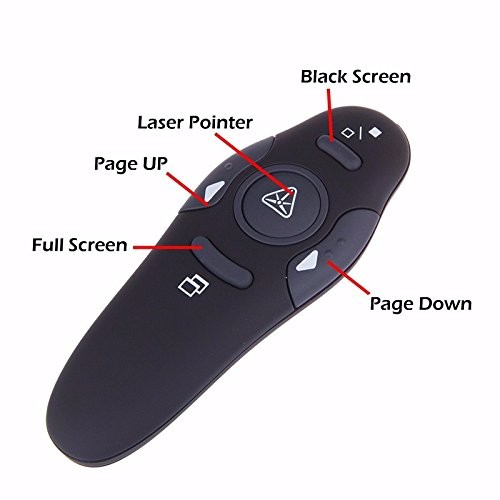
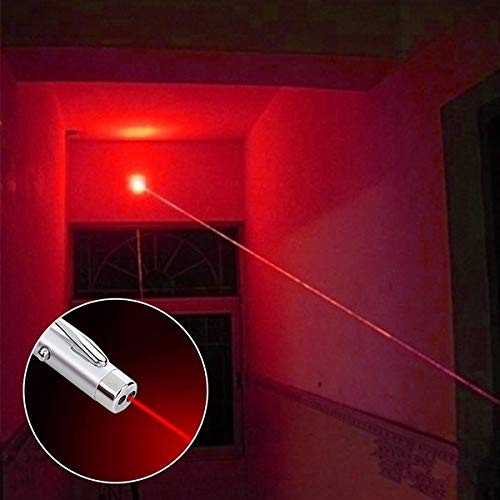
A wireless laser presenter usually comes with a red laser pointer, which can be used to point at specific areas on a PowerPoint slide. It also has buttons that allow you to move forward and back through your slides, and hide your screen when necessary. Some models may come with additional features such as a finger ring remote.
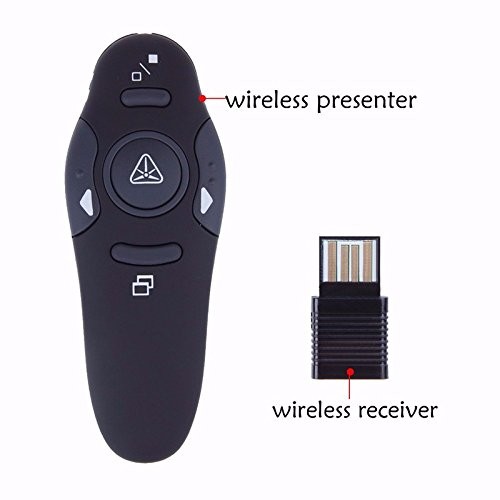
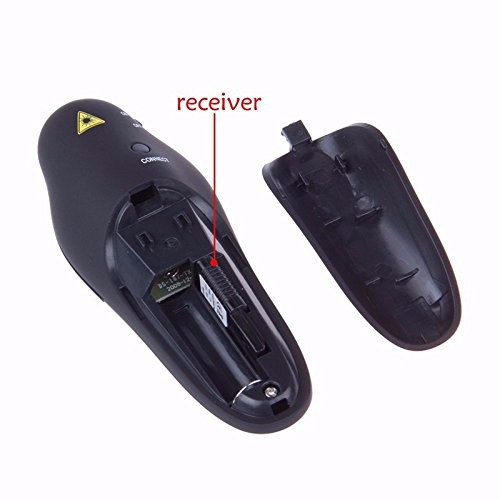
To set up a wireless laser presenter, follow these steps: Open the battery slot and remove the USB receiver inside. Insert the battery and close the battery slot. Turn on the power button on the left-hand side of the remote. Press the center round button to check whether the laser light is functional. Insert the USB receiver in the USB slot of your PC or Laptop, and you are good to go
To use a wireless laser presenter during a presentation, simply hold the presenter in one hand and point the laser at the area you want to highlight on the slide. Use the forward and back buttons to move through your slides, and the hide screen button to hide the screen when necessary [1]. Make sure that the USB receiver is inserted in your computer or laptop's USB slot for the presenter to work.
Many wireless laser presenters come with a convenient wireless nano receiver that can be stored inside the battery compartment when not in use. Make sure to turn off the power button on the presenter to conserve battery life.
Don't see the answer you're looking for? Post your Question Login Now
Related Products